
As content creators in the tech industry, one of the most frequently asked questions thrown in our direction is: “How do I download and install Google apps on my Huawei phone or tablet?”

This is not surprising considering many Huawei devices like the Mate 50 Pro and Nova 10 series boast excellent cameras and superb performance, but don’t ship with Google apps and Google Mobile Services or GMS, which is needed to run certain Google software and other third-party games and applications.
Not having Google apps preinstalled is perhaps the most common barrier to owning a new Huawei device, but thanks to a new workaround, you can now install Google apps and the Play Store on any Huawei smartphone or tablet without ads and without dealing with a complicated setup process.
If you want to skip the explanation of what GBox is and want to go to the step-by-step instructions, jump to the 2:01 mark of this guide. For more of our videos, swing by our YouTube channel
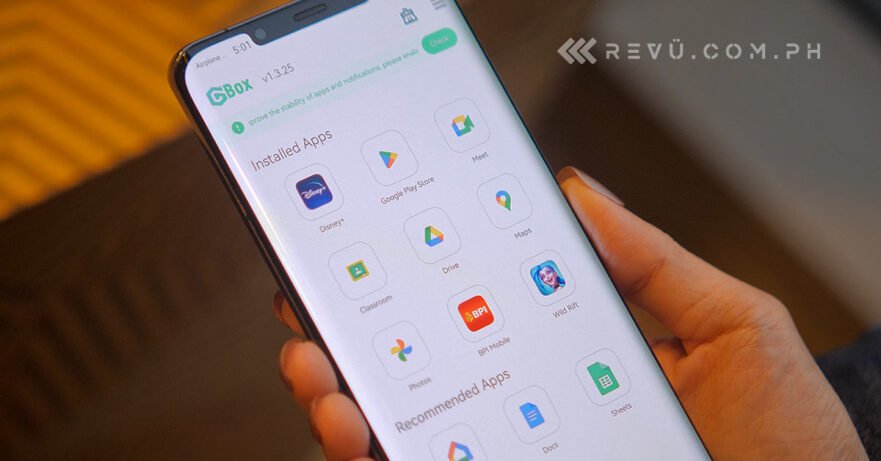
The solution comes in the form of an app called GBox or Google Box, which lets you conveniently download and install Google software with just a few taps. Best of all, GBox is absolutely free and doesn’t require an account. In today’s guide, we walk you through how to load up GBox on your Huawei device to install your favorite Google apps as well as other third-party applications and games that are not available on Huawei’s AppGallery. For the step-by-step instructions, jump to the 2:01 mark of the embedded video above.
The entire setup process only takes minutes, as it basically comes down to downloading and installing the latest version of the GBox app from its official website and signing in to your Google account. It’s easy-peasy, really.
GBox is a virtualization app that lets you access your Google account and Google apps, including essential ones such as the Play Store, in a sandbox environment. It’s a clever way to get Google apps running on devices that don’t ship with GMS and the Play Store. GBox also allows you to clone an app that’s already installed on your unit, so you can use two accounts on one device and receive messages and notifications from both accounts without them interfering with one another.
Of course, we still recommend getting apps and alternatives for Google services via the AppGallery, which is the default app store for downloading apps on Huawei products. However, thanks to GBox, it’s now easier than ever to recommend standout devices like the Huawei Mate 50 Pro and Huawei nova 10 and nova 10 Pro to users who absolutely need to have access to Google apps on their smartphone or tablet.
Share this Post
Learn About This Author
