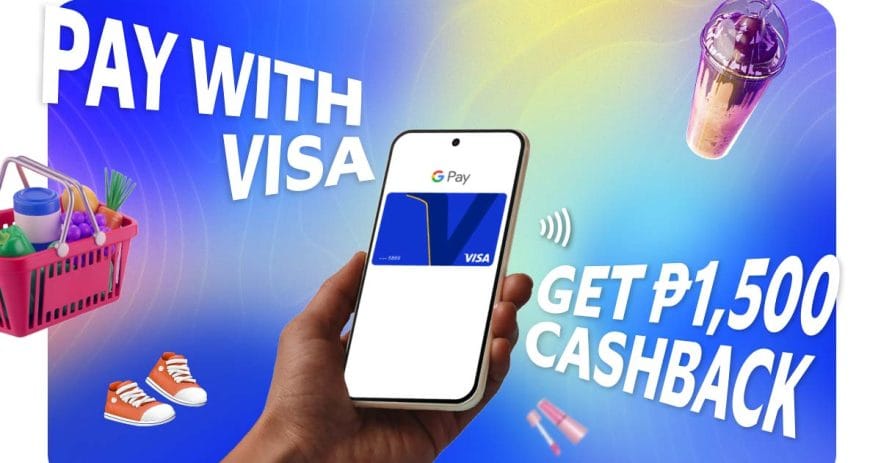
Haven’t heard about this promo yet? You’re not too late. Visa and Google Pay kicked off a new cashback campaign in the Philippines on Sept. 8, and there’s still time to grab ₱1,500 (roughly $24) back when you spend a cumulative ₱3,000 ($48) using an eligible Visa card through Google Pay.

That’s effectively 50% cashback on the required spend — far more interesting than the usual 5% cashback offers that come with a laundry list of conditions. But you need an eligible Visa card, you need to enroll, and your ₱3,000 has to be spent through Google Pay by Sept. 30.

Eligible cards currently include those from Maya Bank, Maya Philippines, GoTyme Bank (debit cards only), RCBC, EastWest (credit cards only), China Bank, and PalawanPay.
Here’s how to get your ₱1,500.
How to claim the ₱1,500 Visa cashback
It’s not quite as simple as adding your card to Google Wallet and going shopping. There’s a little setup involved first.
- Register your card. Head to Visa’s official campaign page and register your eligible Visa card through the Visa customer portal.
- Enroll in the promo. Complete the campaign enrollment process and make sure the specific card you’re planning to use is successfully enrolled. If you have multiple eligible Visa cards, you’ll need to enroll each one separately.
- Add it to Google Wallet. Add your enrolled Visa card to Google Wallet and use it through Google Pay. Already have the card in your wallet? No need to remove it and start over. Just make sure you’ve completed the registration and enrollment steps.
- Spend ₱3,000. Start spending through Google Pay until your qualifying purchases add up to ₱3,000. The good news is you don’t have to spend it all at once; the target is cumulative.
Hit the qualifying spend and you can get ₱1,500 cashback, subject to the promo’s terms and processing period.
Don’t miss these catches
This is a generous promo, but there are a few ways you could accidentally spend ₱3,000 and get nothing back.
- Physical card payments don’t count. You need to pay through Google Pay. A regular physical-card tap, swipe, or insert isn’t enough.
- Apple Pay is out. This offer is specifically for qualifying Visa transactions made through Google Pay.
- Online purchases can count. If an online merchant offers Google Pay at checkout, you can use it there, too. Don’t manually enter your card number if you want that transaction to qualify.
- The ₱3,000 can be split up. Multiple qualifying purchases can add up to the target. You don’t need to make one giant ₱3,000 purchase.
- Not every Visa card qualifies. Your card has to be from a participating issuer and successfully registered for the promo.
- Tap-to-pay requires an NFC-enabled Android smartphone. Google Wallet’s contactless payments require a compatible Android device with NFC.
So, if you’ve got an eligible Visa card and an Android phone, this is a pretty straightforward way to turn ₱3,000 of planned spending into ₱1,500 back. Just remember: Enroll first, pay with Google Pay, and hit the ₱3,000 qualifying spend before Sept. 30.
Learn About This Author