Rainy season in the Philippines comes with a familiar set of questions: Is that road flooded? Is my usual route still passable? And if I’m already stuck somewhere, where can I eat without getting soaked?

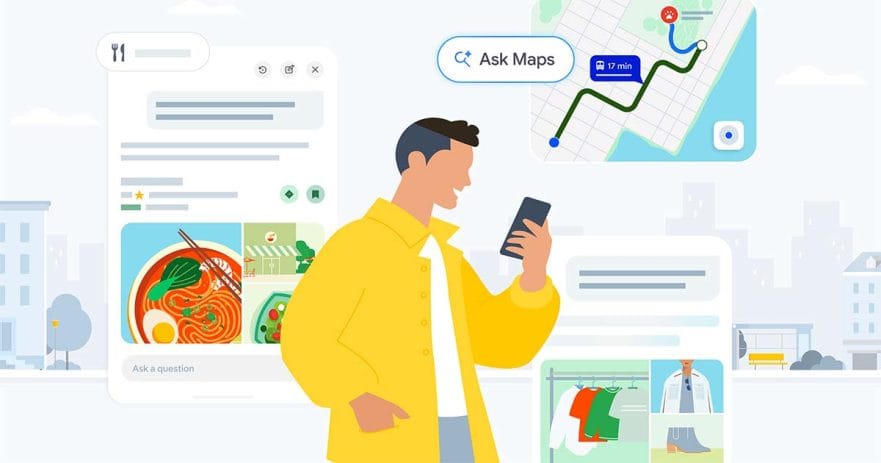
Google Maps’ Ask Maps feature, now available in the Philippines, is designed to answer questions like those in plain language.
Part of Google‘s broader push to make Maps more conversational, Ask Maps lets you ask about places, roads, and routes instead of relying only on keyword searches. That could be particularly useful during heavy rain and typhoons. You can ask, for example, “Are there any closed or flooded roads from BGC to Novaliches?” Google says Ask Maps can summarize available updates along the route, including road closures and live delay alerts.
It can also help when you’re already stuck somewhere. Ask Maps can find places based on the situation you’re in, such as asking for a hot pot restaurant in Makati that you can reach without walking in the rain. It can then surface nearby options and suggest routes.
The same conversational approach works for less soggy plans, too. Google says you can ask Maps to find a restaurant where it’s easy to talk or map out a scenic three-hour road trip.
Of course, an AI-generated summary isn’t a substitute for official weather, traffic, or emergency advisories, particularly when conditions are changing quickly. But for everyday questions about where to go and how to get there, Ask Maps is meant to save you from figuring out the right search terms first.
How to use Ask Maps
If you want to try it out, there’s no new app or complicated setup involved. The feature lives right inside Google Maps, and you can start with a question that sounds more like something you’d actually ask a person.
- Open Google Maps. Make sure you’re using the Google Maps app.
- Tap “Ask Maps.” The button appears below the search bar.
- Ask a question. You can ask about a place, road, or route in natural language. For example: “Are there any flooded roads from Greenhills to Alabang?”
- Ask about places, too. You can describe what you’re looking for and the situation you’re in, such as finding a restaurant nearby that you can reach without walking in the rain.
- Use follow-up questions. If you want more information about a route or place, continue the conversation instead of starting a new search.
The idea is pretty simple: Rather than figuring out exactly what to type into Google Maps, you can tell it what you’re trying to do and let it work from there. During the next particularly wet Manila afternoon, that could mean one less thing to figure out before heading out.
Learn About This Author